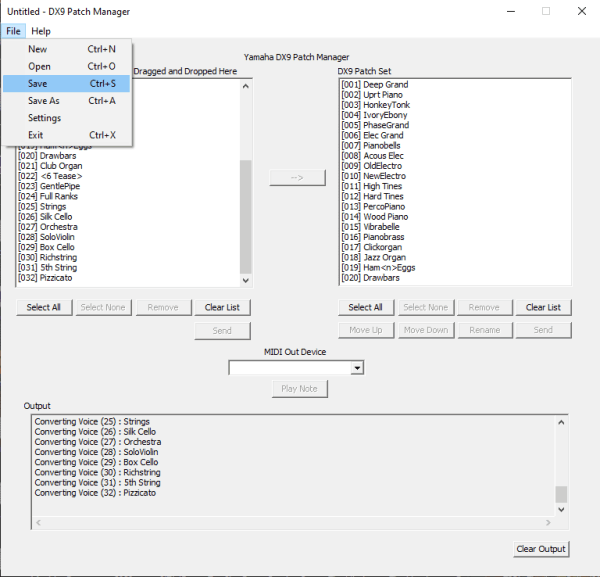
After sifting through the originally available DX9 patches and then the later converted 4OP patches, I was suffering "patch fatigue" and wanted to create something that would allow me to:
Choose the patches for a DX9 "20 patch set" that can be organised, renamed and reordered
Automatically load any supported patchset, whether native DX9 or other 4OP synth
Audition individual or multiple patches prior to creating the DX9 "20 patch set"
Directly send individual and bulk patches as well as note on/off information to the DX9
The DX9 Patch Manager is a Windows Application that allows you to convert and manage patches for your DX9. It has MIDI support and allows sending individual or multiple patches directly to your DX9, the binary and sources can be found on the Downloads page and in addition the source is available on GitHub. It allows you to load patches (from the DX9 or other 4OP synths) into the "Available Patches" list and then select the patches you want and move them into the "DX9 Patch Set" list. Patches can be moved up/down, renamed and sent either individual or in sets to your DX9.

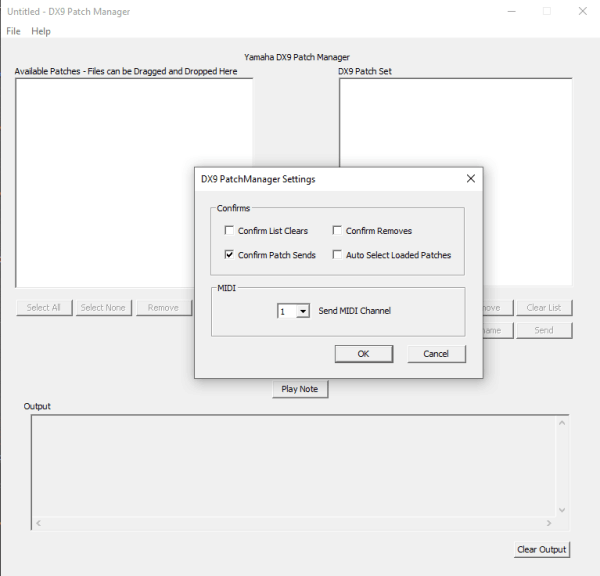
The DX9 Patch Manager has a handfiul of settings accessed from the 'Settings' item in the 'File' Menu.
"Confirm List Clears" - All list clears need to be confirmed
"Comfirm Patch Sends" - Patch sends need to be confirmed
"Confirm Removes" - Remove Patch need s to be confirmed
"Auto Select Loaded Patches" - Select patches as they are loaded
"Send MIDI Channel" - MIDI Channel patches and notes are sent on
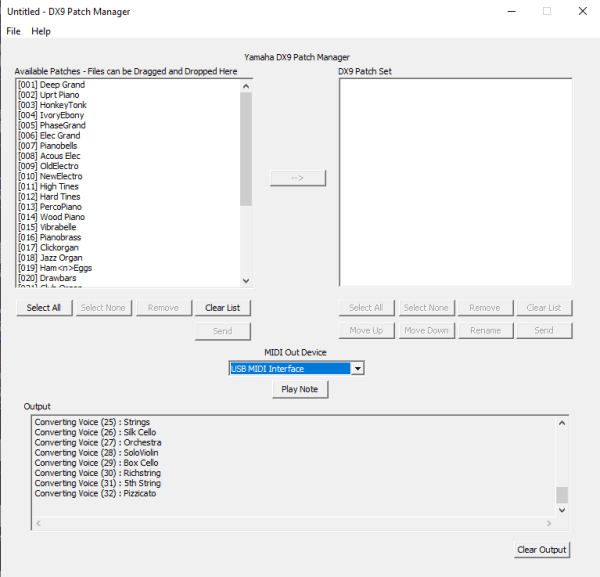
The First thing is to load some patches, these can by DX9 patches or any of the supported 4OP patch sets (DX11,21,27,100 and TX81Z).
You can eiher manually load patches (File->Load) or drag and drop files onto the "Available Patches" list on the left hand side of the applucation
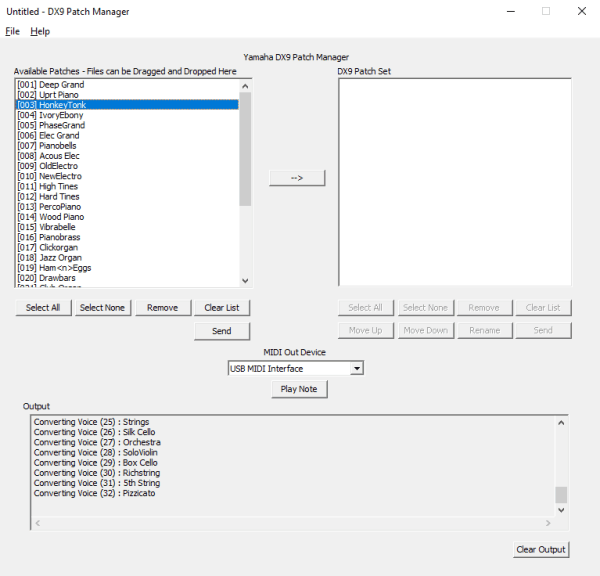
You can audition patches from either list, select the patch (or patches) you want to audition and press the "Send" button below the appropriate list. This will send the patch data over MIDI to your DX9 (you will need a USB to MIDI interface for this). If you have selected a single patch it will appear in the DX9's edit buffer, if you select 2 or more patches a bulk message will be sent and all 20 patches on your DX9 will be replaced.
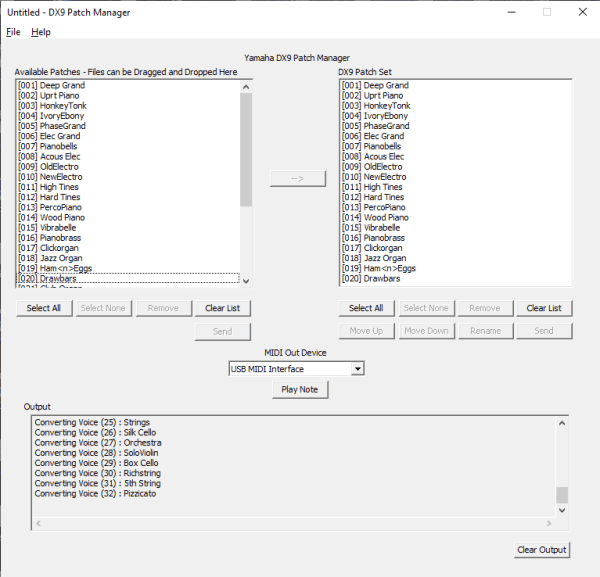
To move patches into your DX9 patchset, either double-click them or select and click the "-->" button. Once patches are copied to the DX9 Patch List, they can be moved by selecting them and clicking the "Move Up" or "Move Down" buttons

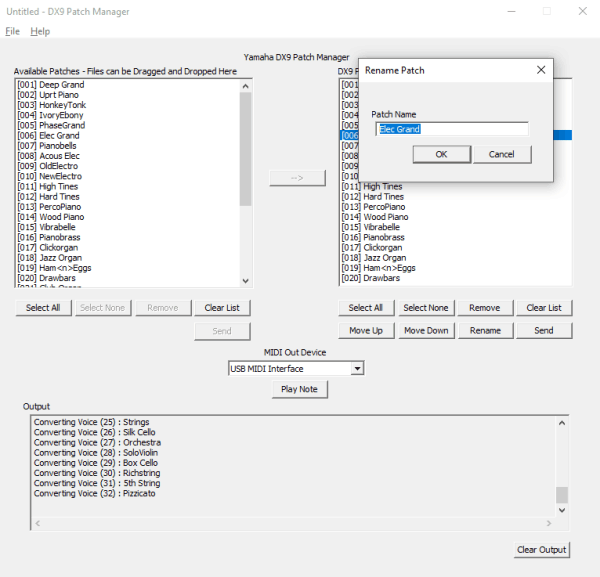
Each patch in the DX9 Patch Set can be renamed, either double-click the patch in the "DX9 Patch List" or highlight and click the "Rename" button.

Once you've created, auditioned and named your set of patches, you can save the patches and the application will create a SYSEX file and patch name file of your creation.
So, the point of all of the above is to give you an application that can be used to load up (pretty much) any 4Op DX patch, which you can send / listen to on your DX9 and then decide if it's something worth adding to a patch library, To this end, I've used the app to curate two DX9 patch sets, the first is the "Best of Converted 4OP Patches" and the second is the "Best of DX9 Presets" and added them to the patch library available from the downloads page in the 'curated' directory. So, this is purely my own opinion, it is two sets of twenty patches that I think showcase the strengths of the DX9, from both the original patches created for it and also the patches converted back from the later 4OP synths
Why the initial DX9 data tape patches didn't match their descriptions