This site hosts numerous DX9 patches in SysEx files, some of which are available on other websites (and are also sold by unscrupulous individuals on eBay) but most have either never been available or were only every distributed on audio cassette back in the 1980s.
The original Yamaha tape forms the bulk of almost all DX9 patch libraries on the internet. In addition, they seem to have a SysEx file from the same original source - as oddly it has the MIDI channel set to 8.
The patches on this site include those 120 patches from the original DX9 tape (only this time set to MIDI channel 1), the additional 300 patches from Data Tape 2, 440 patches from a tape distributed by the DXOwners club in 1985 and also a large library of patches converted from the the later 4OP synths: DX21/27/100 using software developed for this site.
Go ahead and download the library here.
Instructions on how to load these SysEx files can be found below.
Below are instructions for loading the patch files from this site into a DX9. It assumes you are using a standard application to read in and transmit the SysEx files (MIDIOx is highly recommended) and that the MIDI Out of your device's MIDI interface is connected to the MIDI In of your DX9.

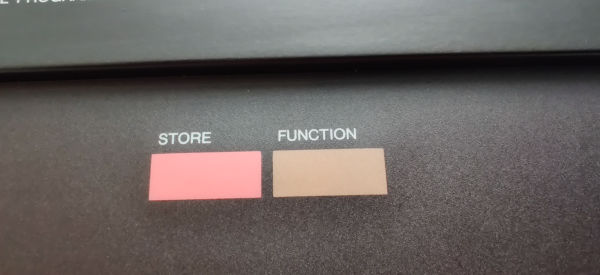
Set the DX9 into 'Function Mode' by hitting the Function button

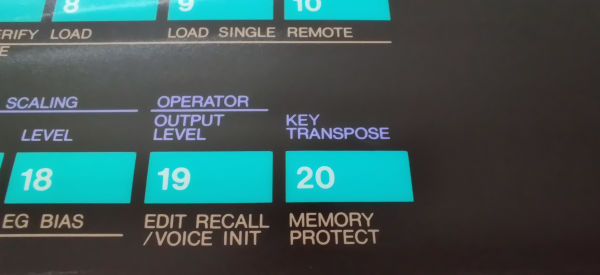
The first thing we need to do is turn off memory protection, so press Button 20 'Memory Protect'

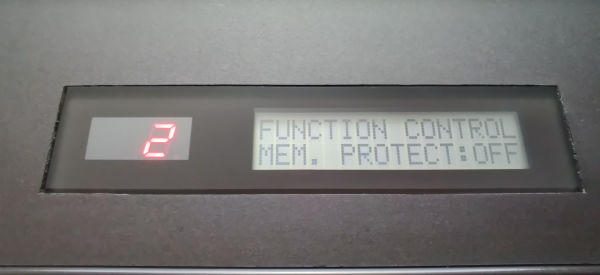
Either press the 'No' button or move down the data slider. The display should show as above

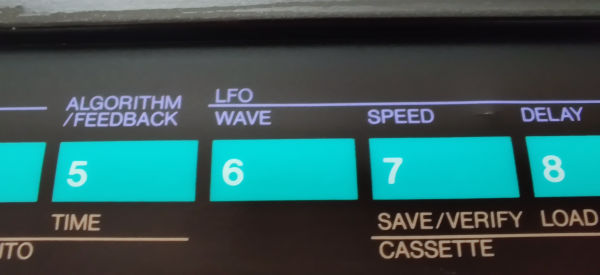
We need to check some MIDI settings, so press the MIDI button - Button 6, which is oddly unmarked and hints at how late MIDI was added in the DX7/9's development

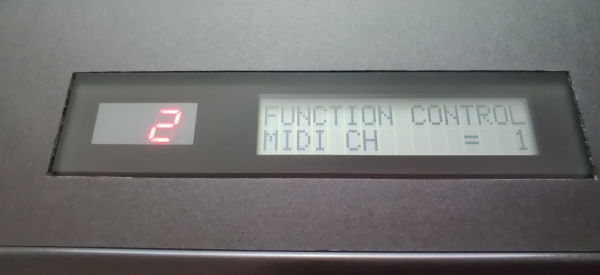
The display should show "MIDI CH" if it doesn't, press Button 6 until it does. Now change to the channel for the incoming files - which is 1 for all files on this site - by moving the data slider down (or repeatedly pressing 'No')

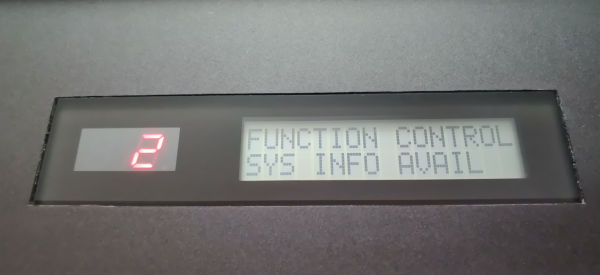
We now need to set the Sys Info Avail setting so press Button 6 again

The display should show "SYS INFO", if it doesn't, press Button 6 until it does. Now change this to 'AVAIL' by either moving the data slider up or pressing the 'Yes' button

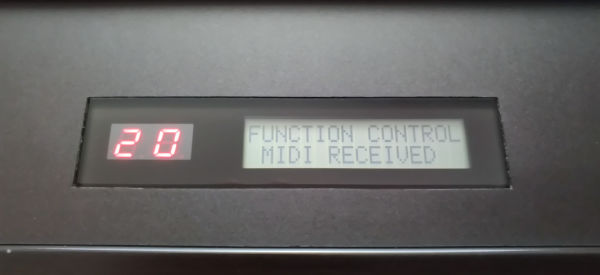
Now, send the SysEx file to the DX9 and the display should update as above. Congratulations, you've just uploaded a file of 20 patches into your DX9
Why the initial DX9 data tape patches didn't match their descriptions